Want to build your first autonomous smart robot? An Obstacle Avoiding Robot is the best starting project for school, college, and university robotics students in Pakistan.
This robot moves forward on its own, uses an ultrasonic sensor like human eyes to detect walls or obstacles in front of it, stops, looks left and right, and turns into an open path without hitting anything.
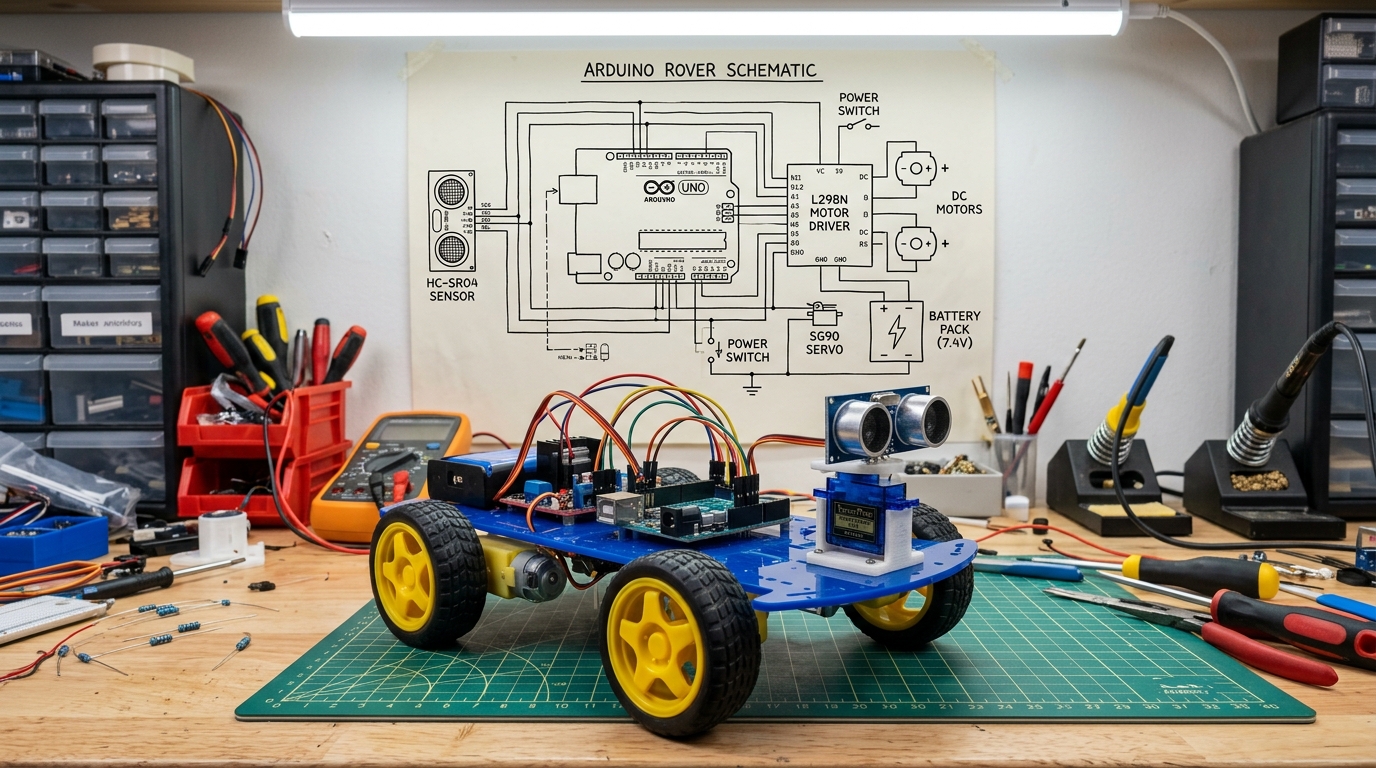
Figure 1: Complete 4-Wheel Arduino Robot Rover with HC-SR04 Ultrasonic Sensor mounted on an SG90 Servo Motor.
1. Parts You Will Need (Available on ProjectStore):
- 1x Arduino Uno or ESP32 Board (The brain of the robot)
- 1x HC-SR04 Ultrasonic Sensor (Measures distance to obstacles)
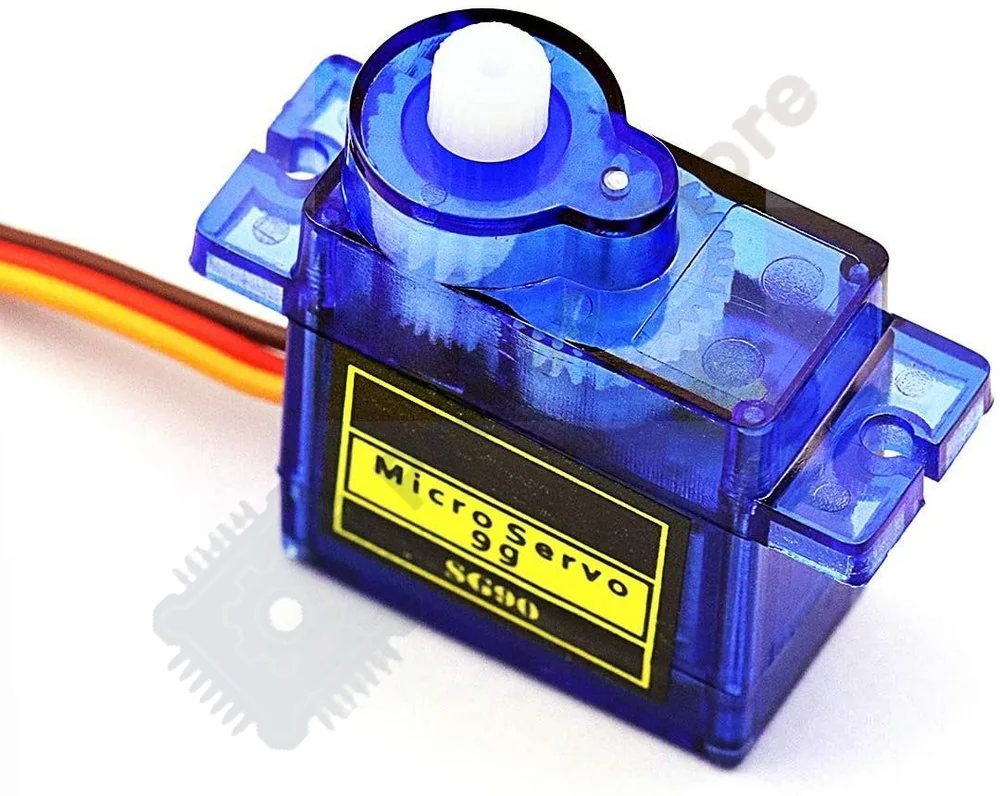
- 1x TowerPro SG90 Servo Motor (Rotates the sensor left & right)
- 1x L298N Motor Driver (Powers the DC geared wheels)
- 1x 2-Wheel or 4-Wheel Robot Chassis Kit (With DC motors & wheels)
- 1x 7.4V / 12V Battery Pack (Rechargeable Li-Ion battery)
- Jumper wires (Male-to-Female & Male-to-Male)
2. Simple Wiring Connections:
Connecting the parts is very straightforward. Follow this connection table:
| Sensor / Motor Pin | Connect to Arduino Pin | What it does |
|---|---|---|
| HC-SR04 VCC | 5V Pin | Gives 5V power to sensor |
| HC-SR04 GND | GND Pin | Ground |
| HC-SR04 TRIG | Pin 9 | Sends out ultrasonic sound pulse |
| HC-SR04 ECHO | Pin 10 | Listens for sound echo bounce-back |
| SG90 Servo (Orange Wire) | Pin 11 | Controls the servo motor angle |
3. Ready-to-Upload Arduino Code:
Copy and paste this clean code into your Arduino IDE and click Upload:
#include <Servo.h>

const int trigPin = 9;
const int echoPin = 10;
Servo headServo;

// Function to measure distance in centimeters
int getDistance() {
  digitalWrite(trigPin, LOW);
  delayMicroseconds(2);
  digitalWrite(trigPin, HIGH);
  delayMicroseconds(10);
  digitalWrite(trigPin, LOW);
  long duration = pulseIn(echoPin, HIGH);
  return duration * 0.034 / 2; // Converts time into cm
}

void setup() {
  pinMode(trigPin, OUTPUT);
  pinMode(echoPin, INPUT);
  headServo.attach(11);
  headServo.write(90); // Look straight ahead
}

void loop() {
  int distance = getDistance();

  if (distance < 20) {
    // Obstacle is too close (less than 20cm)!
    // 1. Stop motors
    // 2. Look right
    headServo.write(30);
    delay(400);
    int rightDist = getDistance();

    // 3. Look left
    headServo.write(150);
    delay(400);
    int leftDist = getDistance();

    headServo.write(90); // Look center

    if (rightDist > leftDist) {
      // Turn Right!
    } else {
      // Turn Left!
    }
  } else {
    // Road is clear: Keep moving forward!
  }
  delay(50);
}
4. Tips for Best Performance:
- Use a good battery: DC motors require strong current. Use two 18650 Li-ion cells (7.4V) for smooth driving without resetting the Arduino.
- Keep wires neat: Use cable ties to secure wires so they don't get tangled in the wheels.
Want a Complete Ready-to-Build Robotics Kit?
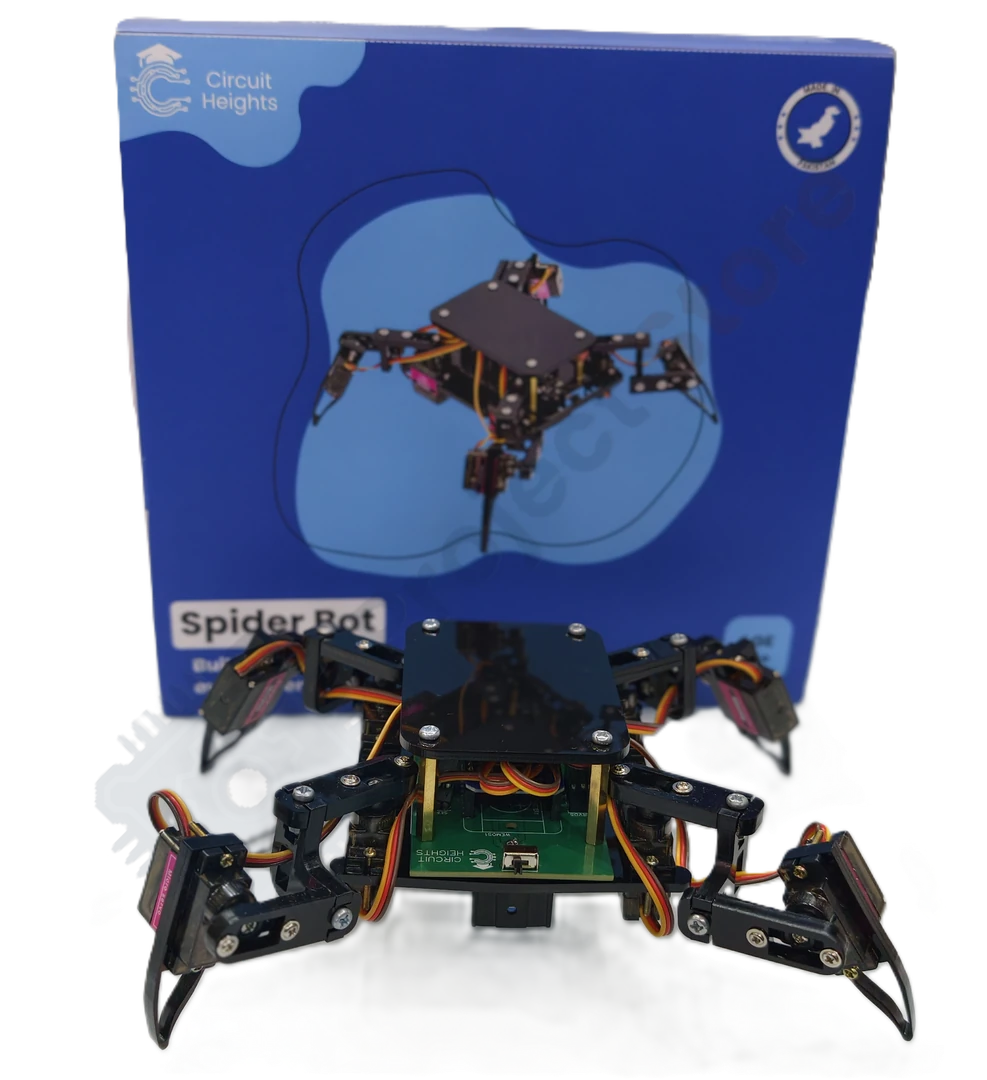
If you don't want to buy parts separately, check out our Circuit Heights SpiderBot 12-DOF Quadruped Robot Kit on ProjectStore. It comes with pre-calibrated servos, Bluetooth mobile phone control, full Python/Arduino code, and step-by-step video manuals with fast 24–48h Cash on Delivery anywhere in Pakistan.