
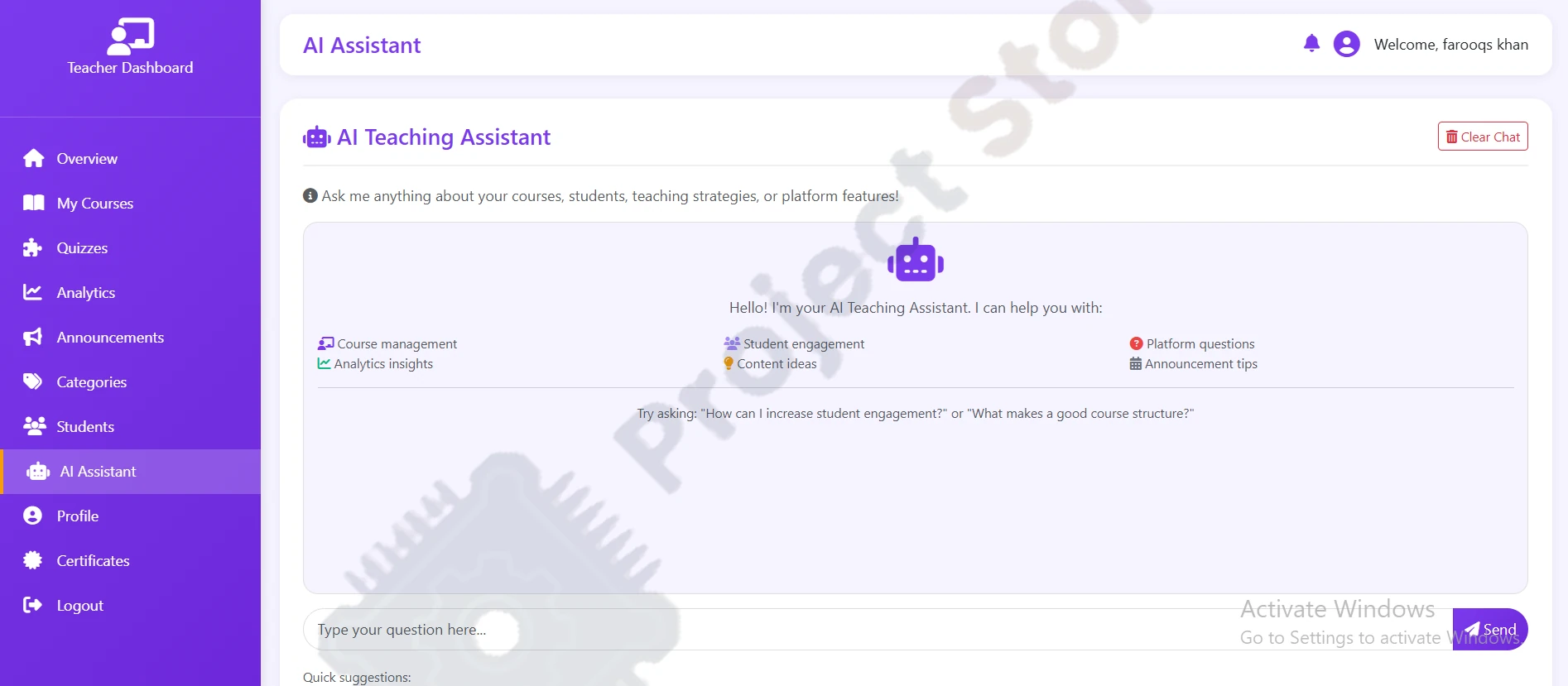

Learnotix — AI-Powered E-Learning Platform | Django Full-Stack with DeepSeek AI, Stripe & Quiz Syste
Learnotix is a complete Django-based e-learning platform with AI-powered features (DeepSeek via OpenRouter & Groq), instructor certificate verification, course/quiz management, Stripe payments, and real-time notifications — built for full-stack and FYP pr
Learnotix — AI-Powered E-Learning Platform | Django Full-Stack with DeepSeek AI, Stripe & Quiz Syste is a complete, ready-to-deploy software & FYP codebase designed for university final year projects, academic research, and full-stack development. Includes complete source code, database schema, setup documentation, and technical support across Pakistan.
Learnotix is a full-stack Django project that combines a modern online learning system with intelligent AI assistance. Built using Django 4.x, Python 3.11+, Bootstrap 5, and Chart.js, it delivers a robust experience for both instructors and students.
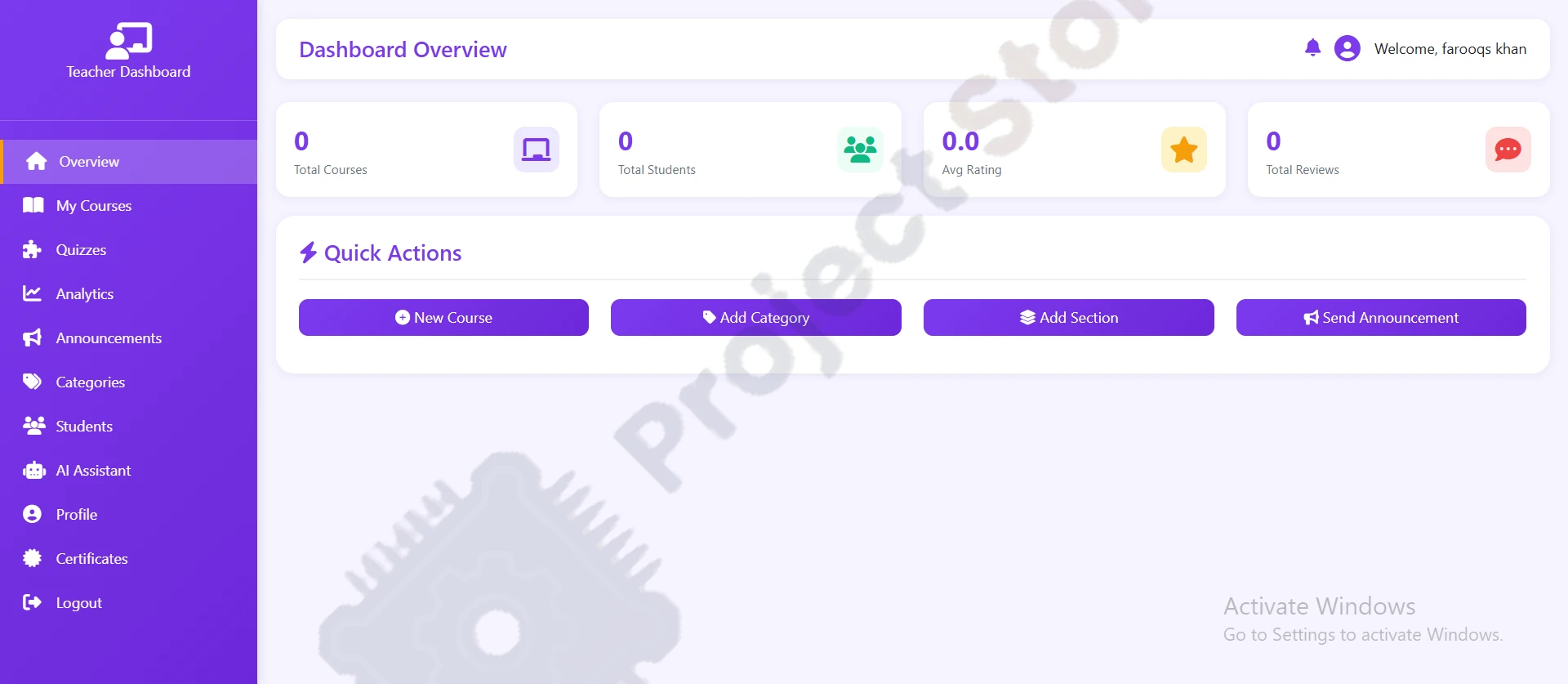
On Learnotix, instructors can register, upload teaching certificates for verification, create structured courses with sections, lectures, and video uploads, add quizzes (single choice, multiple choice, true/false), track student analytics, send announcements, and interact with a DeepSeek-powered AI teaching assistant for course insights. Paid enrollments are handled through Stripe, while reviews, ratings, and notifications update in real time via AJAX.
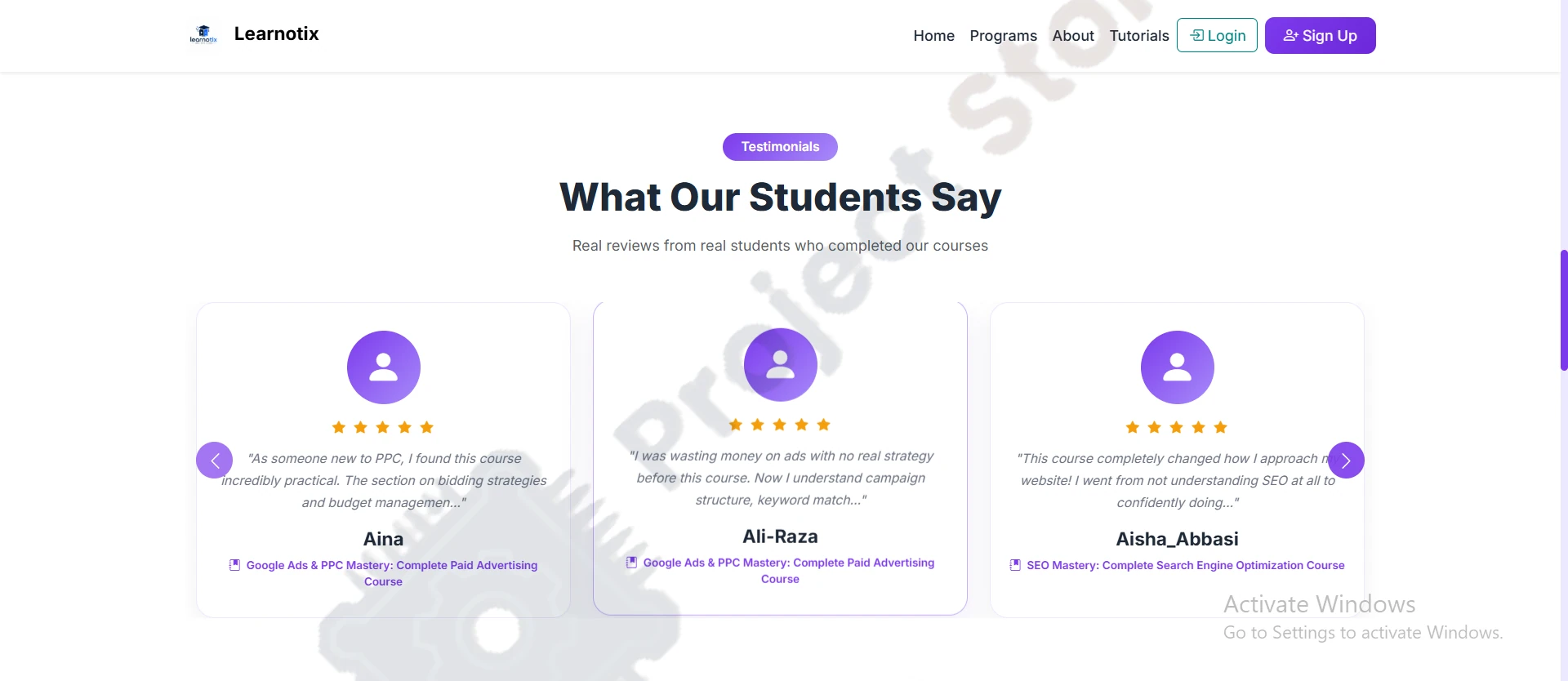
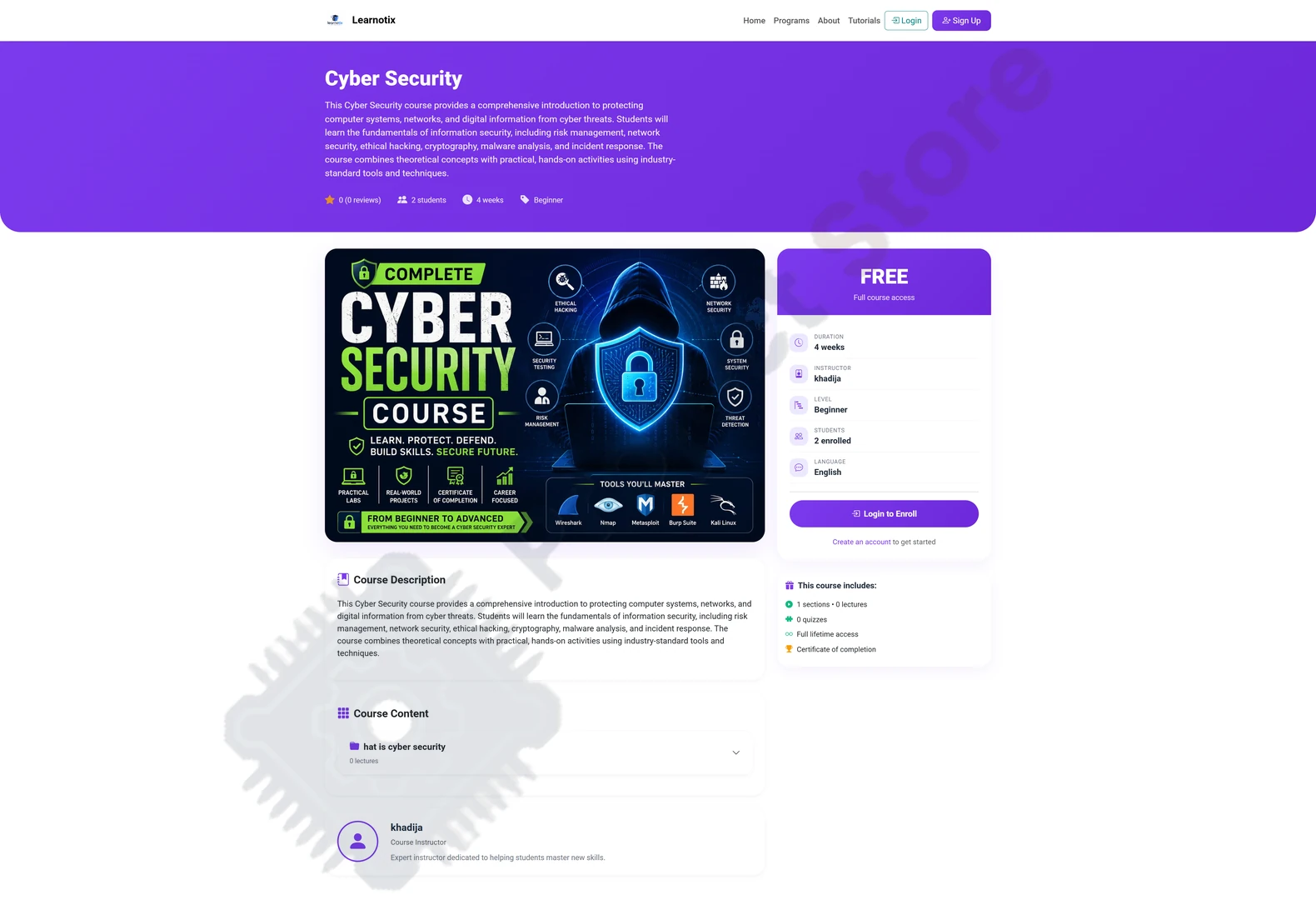
Students on Learnotix can browse and enroll in free or paid courses, watch lectures with progress tracking, take auto-graded quizzes with instant feedback, chat with an AI assistant for course recommendations, and earn certificates upon completion.
Key technical highlights include a custom user model, drag-and-drop lecture reordering, a context-aware AI chatbot powered by free DeepSeek models (via OpenRouter and Groq), responsive mobile-first design, and full quiz auto-grading. Learnotix is an ideal reference project for Django full-stack developers and final-year (FYP) students looking to build AI-integrated educational platforms.
Software Setup & Deployment Guide:
Download and extract the complete source code package, database schema, and architecture documentation provided with your order.
Open the project directory in VS Code or your preferred IDE and install the required runtime libraries and packages listed in the setup guide.
Set up your environment configuration variables and run the included database migrations or seed scripts.
Start the local development server or build executable and test all user, admin, and core functional workflows.
Need a Custom 3D Printed Casing or Multilayer PCB?
Get custom snap-fit enclosures and robotics parts printed via our custom 3D printing service in Lahore & Pakistan, or order industrial double-sided circuit boards through our custom PCB fabrication service with nationwide delivery.
Key Features
Specifications
Community Questions & Answers
Have a question about compatibility, code, or delivery? Ask our engineering team or see what other Pakistani makers asked.
No questions asked yet for this item
Be the first student or maker to ask a question!


